
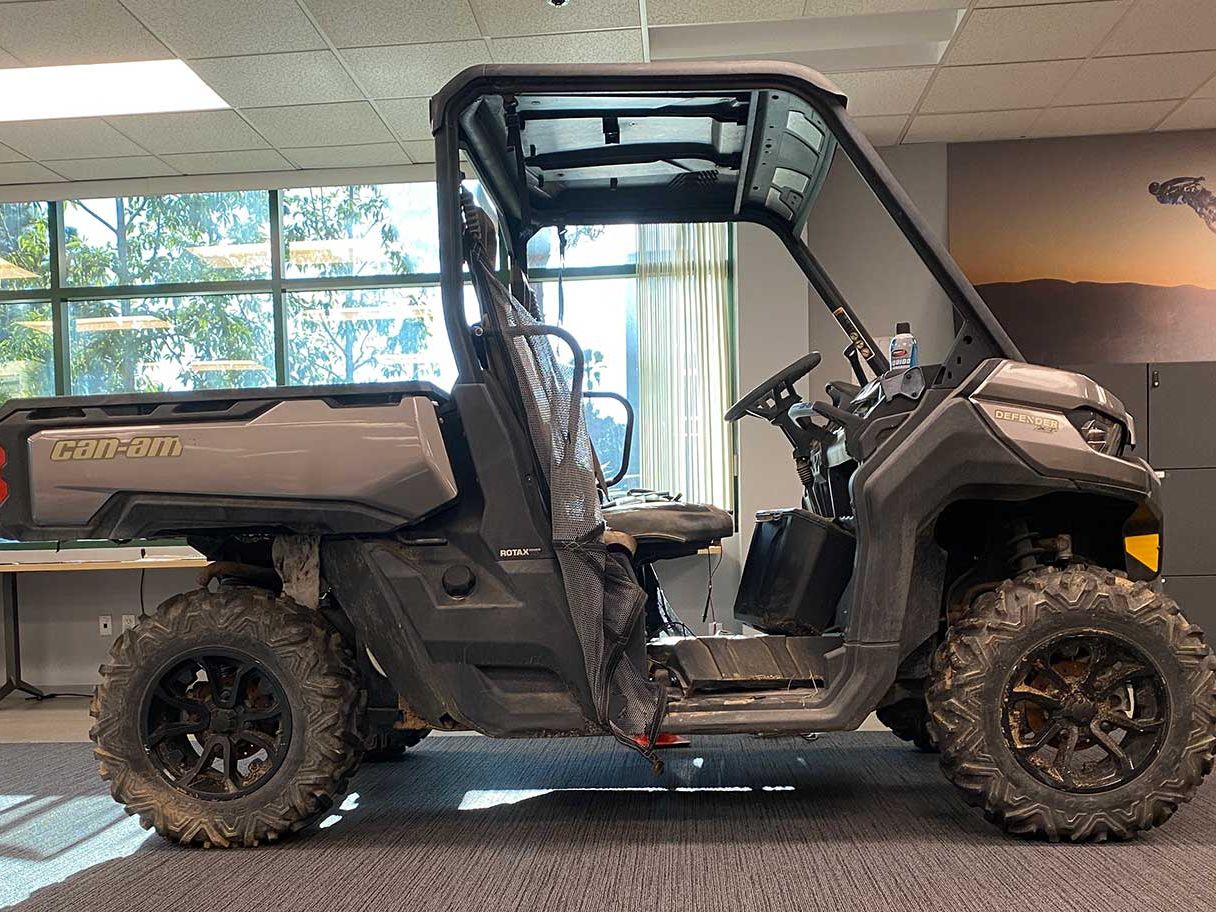
Moose Racing Augmented Reality Wheel App
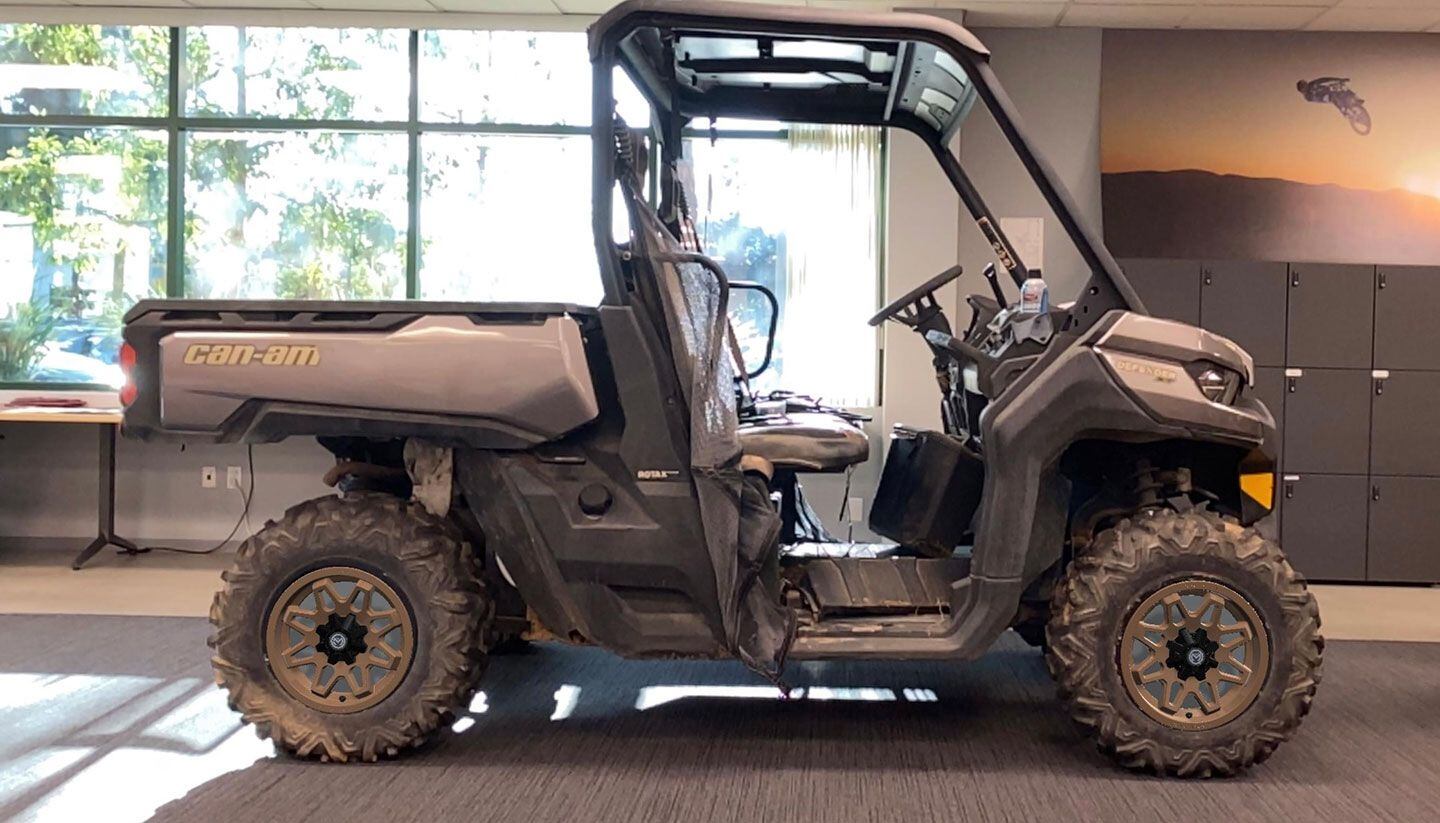
Like you, one of our favorite things in the world is modifying our rigs. Moose Utility Division has made virtually trying out different wheels from its UTV and ATV catalog on your own rig pretty easy with its augmented reality app for iOS and Android.
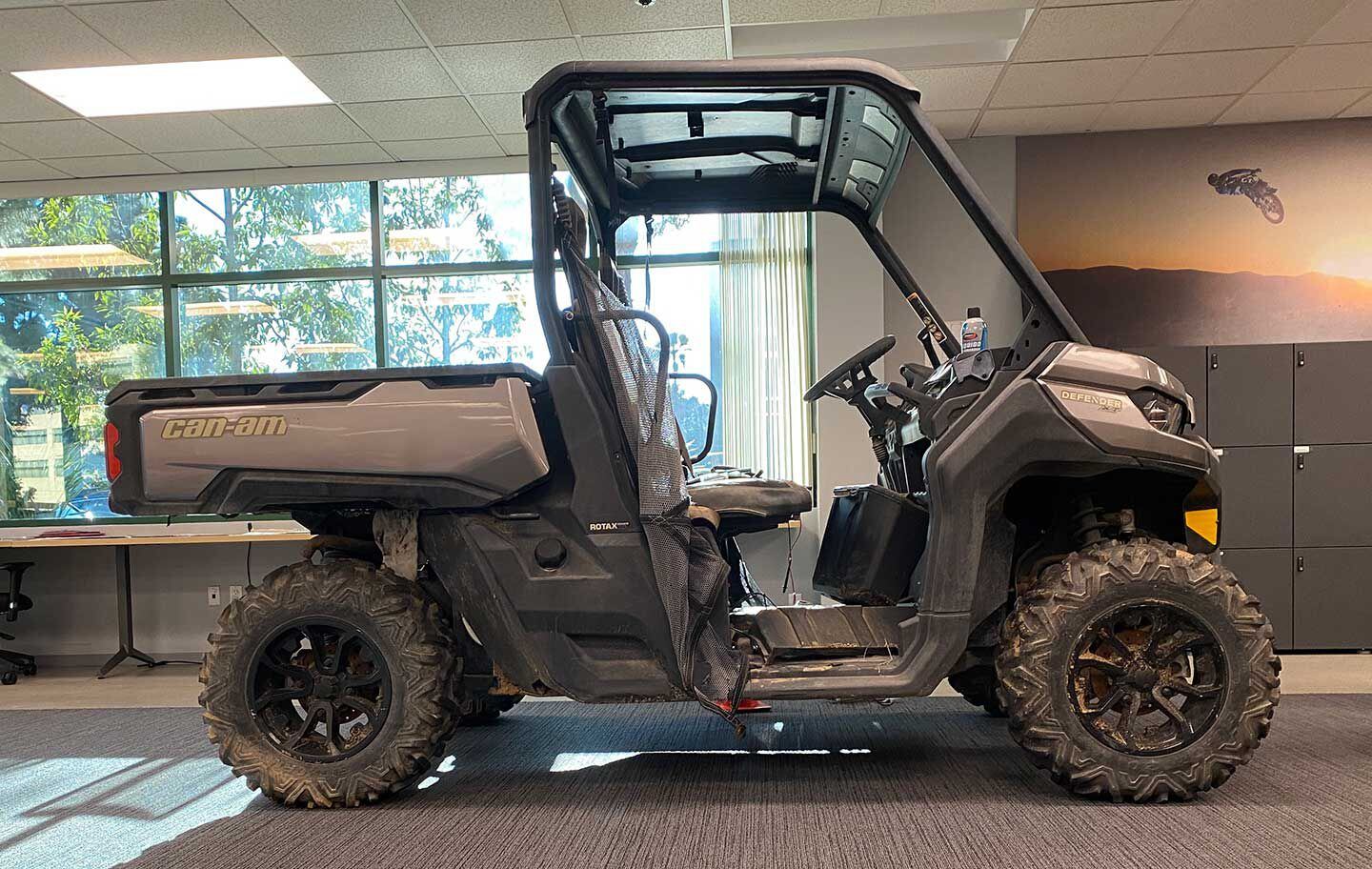
To try out the Moose ATV/UTV Wheels app, we used our desert-toasted 2016 Can-Am Defender XT HD10 as our test rig because we can’t stop taking pictures of it anyway, and also because it is being prepped as a UTV Driver project. We’re not sure yet if we’ll replace the stock wheels, but at least we can try a few things out from the Moose catalog to get a taste for how it might look.
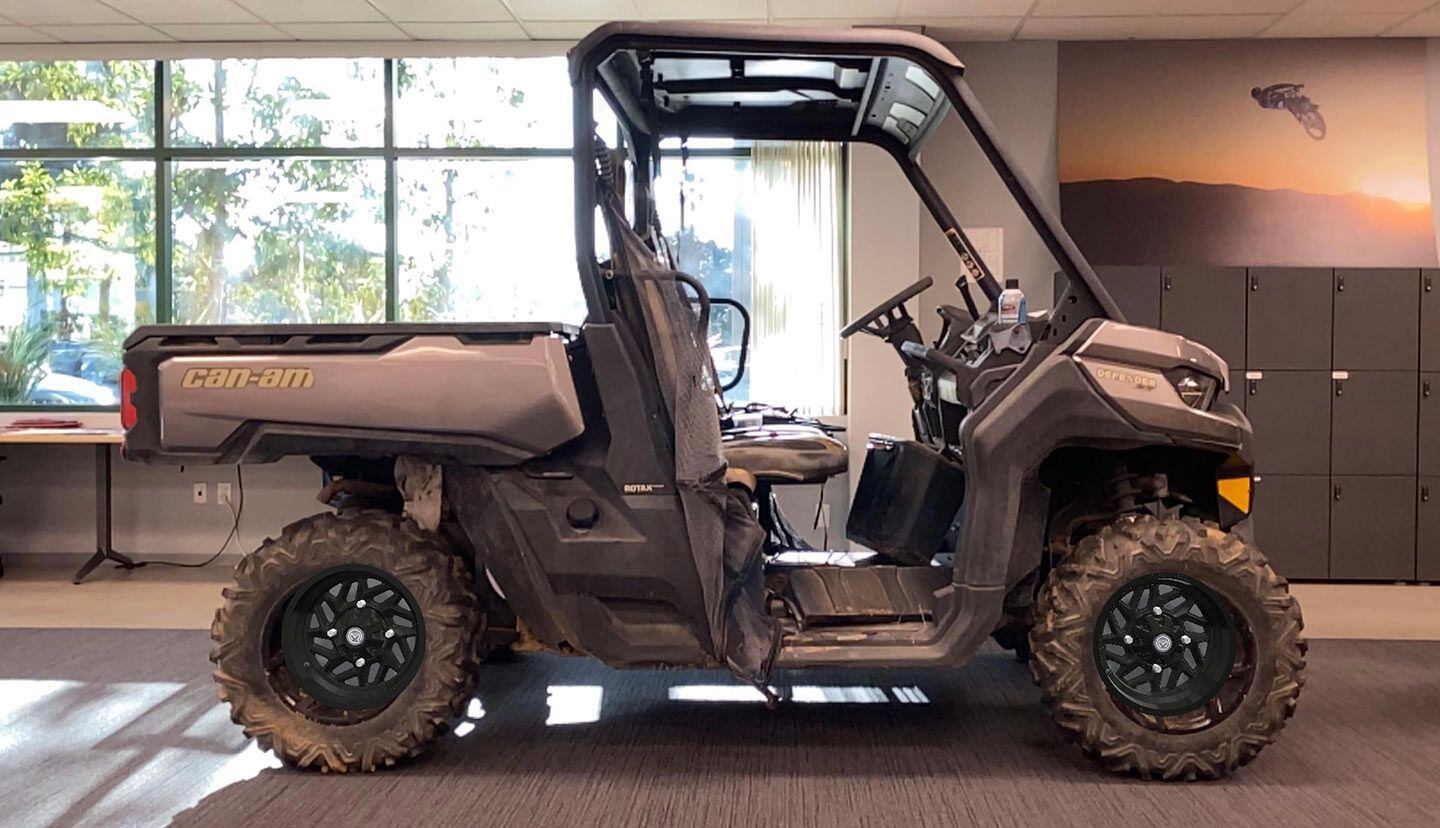
The Moose iPhone app is pretty straightforward and with only a minor amount of practice we got acceptably good at creating a realistic portrayal of the virtual wheels inside the Can-Am Defender’s Maxxis Bighorn 2.0 tires. In fact, the virtual wheels entirely covered up the fact that the stockers are filthy, which was just an extra bonus.
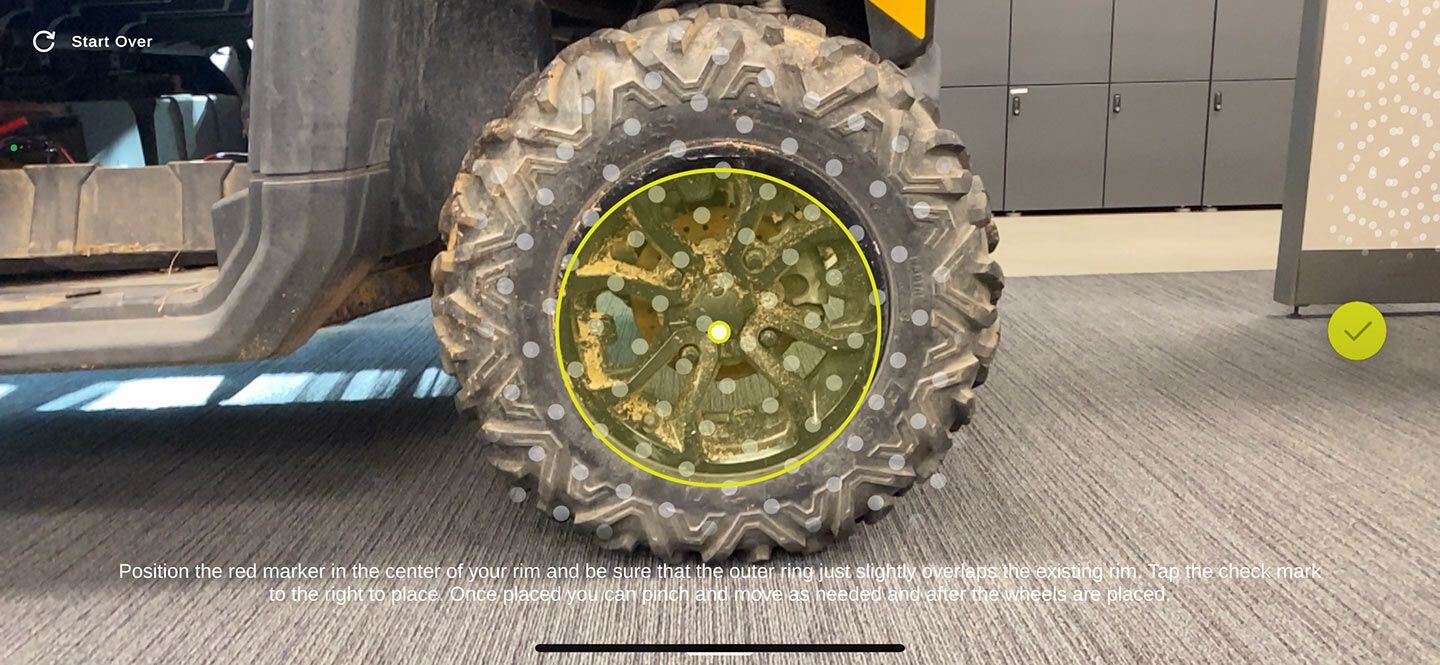
Open the app, aim your phone or tablet’s camera at one of the wheels, and align/resize the yellow circle so that it covers the first rim. Snap the image. Tap “add wheel” and grab the second wheel. Available rims and colors are selected with a slide-up menu. The app saves the image in your camera roll, albeit without any information about the wheel option selected. The app also has a “Find Dealer” button that shoots you to the Moose site.
It’s fun to play with the app. We can see improved utility if it were possible to enter the year/make/model and have the app link you to a page that featured the wheel you selected, but Moose is counting on customers to find a dealer to close the deal and ensure correct fitment.
The Moose ATV/UTV app is a good tool to envision the possibilities; it’s also a bit of frivolous entertainment because you can put the wheels on just about any vehicle you like. We even tried to make a set of wheels into eyeballs on an image of our shop dog, but she moves a lot faster than a parked side-by-side.
Want to stay up to date on the latest UTV Driver news and reviews? Sign up for our weekly newsletter!
This content was originally published here.

